How Can I Define My Own Password Card Using the E-PasswordCard App?
The “Read from QR-Code” feature lets you transfer your card and also define your own custom password card.
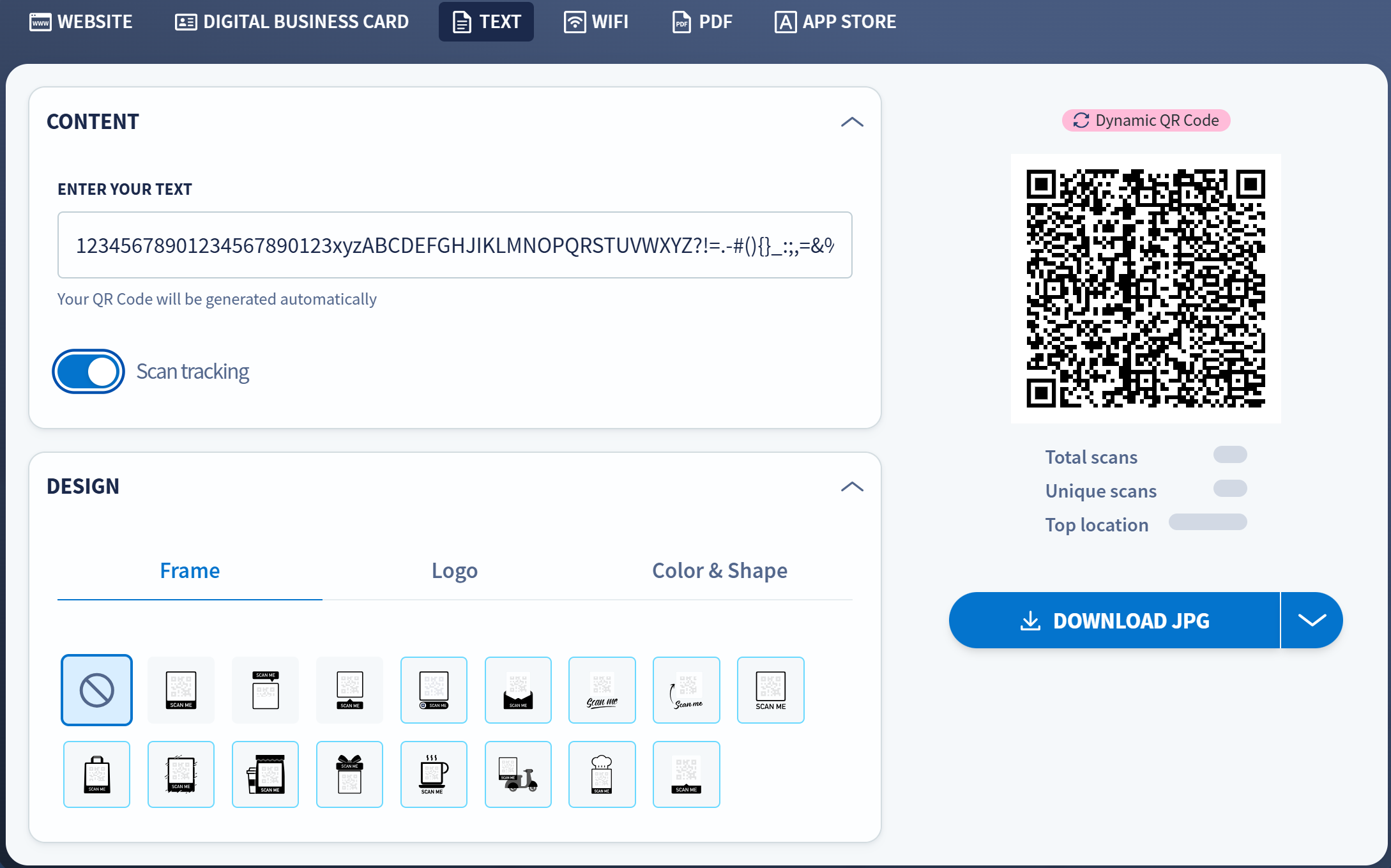
Create a QR-Code online
- Visit a page like qr-code-generator.com.
- Choose text as QR format.
- Insert 230 characters (10 x 23 characters in a single string without line breaks).
- Use printable ASCII characters (33 to 126).
Scan the QR-Code with your E-PasswordCard App
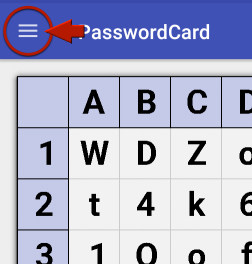
- Choose “Read from QR-Code” from the app menu.
- Scan the code and confirm to replace your old card.